A thread that has run to thirty messages is the one nobody wants to pick up. Octo can tell you what it is about without you reading it.
How you ask
In chat, in words. Ask Octo “what’s this thread about?” and name the conversation, and it returns the summary along with who is on the thread and how many messages it holds.
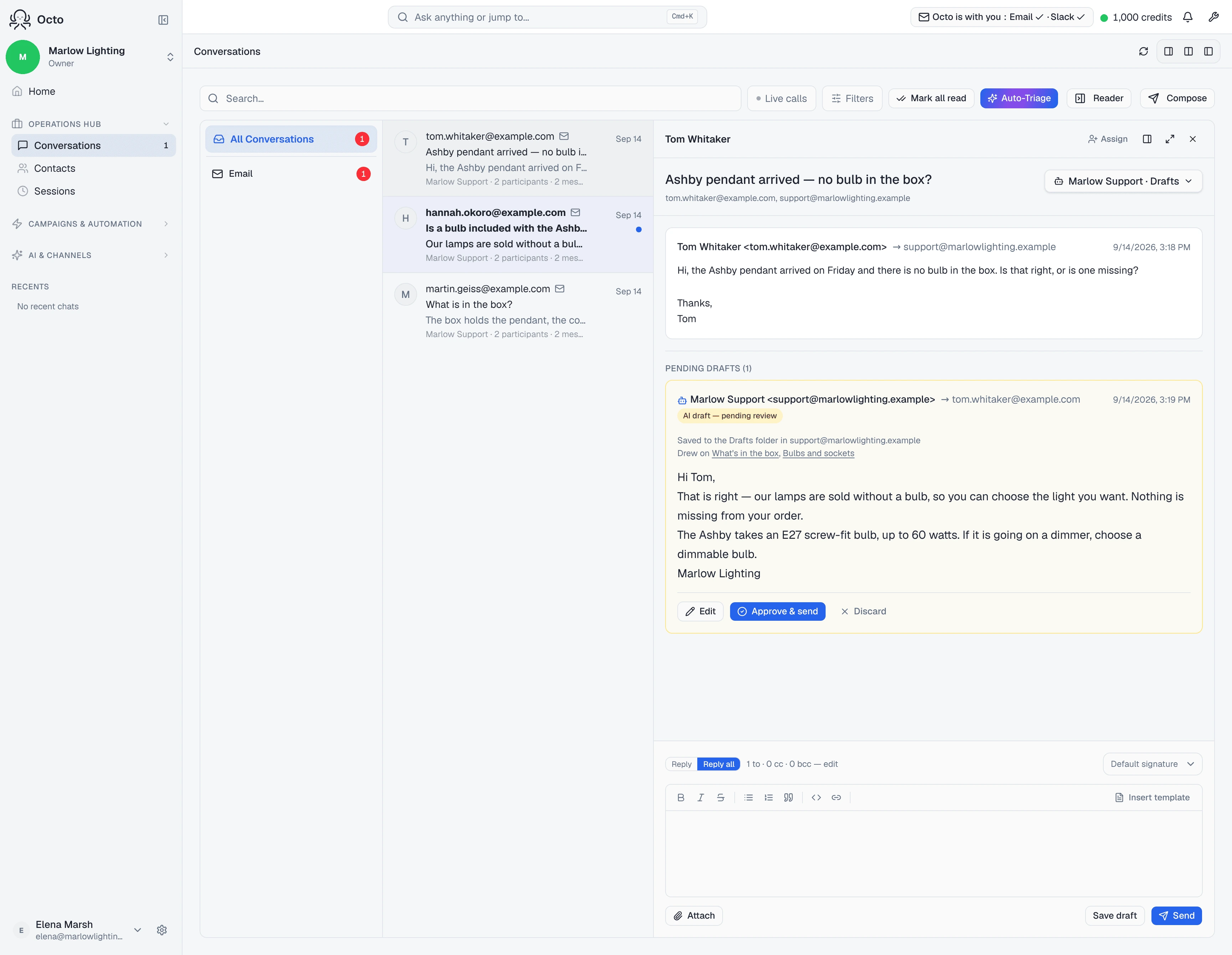
There is no Summarise button in the conversation view. Worth saying plainly, because “where do I click” is the obvious first question and the honest answer is that you do not — this is a chat capability, not a control on the thread.
Why it comes back instantly
The summary is not written when you ask. It is maintained in the background as the thread grows and stored on the thread itself, so asking reads an existing answer rather than starting a model run.
That has one visible consequence: on a brand-new thread, where the summary has not been computed yet, you get the most recent messages rather than a written summary. That is the documented fallback, not a failure — there is simply not much to summarise yet.
What it is good for
- Picking up someone else’s conversation. Who is on it, what they asked, where it got to.
- Deciding whether a thread needs you. Faster than opening it, and the participant list often answers the question on its own.
- Before you approve a draft on a long thread. The draft was written with the thread in front of it; the summary lets you check the reply belongs to the conversation you think it does.
What it will not do
It is not a search. It summarises one thread you name. Finding the thread is a separate step — ask for the mailbox’s threads first.
It is not a record of what was decided. It is a rolling summary of what was said, which is not the same thing. If an agreement matters, it belongs somewhere durable — the knowledge base if it should shape future replies.
It does not show up anywhere on its own. No panel, no badge. If you do not ask, you will not see one.